
Losing calls from Google can feel like a leak behind the wall. Nothing looks broken at first, yet leads slow down.
If the Google Business Profile call button has vanished, your listing may not be the problem. As of May 2026, many small businesses still see no one-tap call option in organic mobile map results. The key is figuring out whether you’re looking at a Google layout change, a profile issue, or both.
In many cases, the missing call button has nothing to do with a suspension or a bad setup. Google has been showing fewer direct call actions on free, organic local pack results on mobile. Your business can still appear in the map pack, and your phone number can still be on the profile, but the quick tap-to-call option may be gone from the first screen.
That pattern has been widely reported in 2026. For example, this write-up on mobile call button changes in organic listings describes how users now often need to tap into the full profile before they can call. Another breakdown of why some local packs lose the call button notes that the layout can vary by search type and business category.
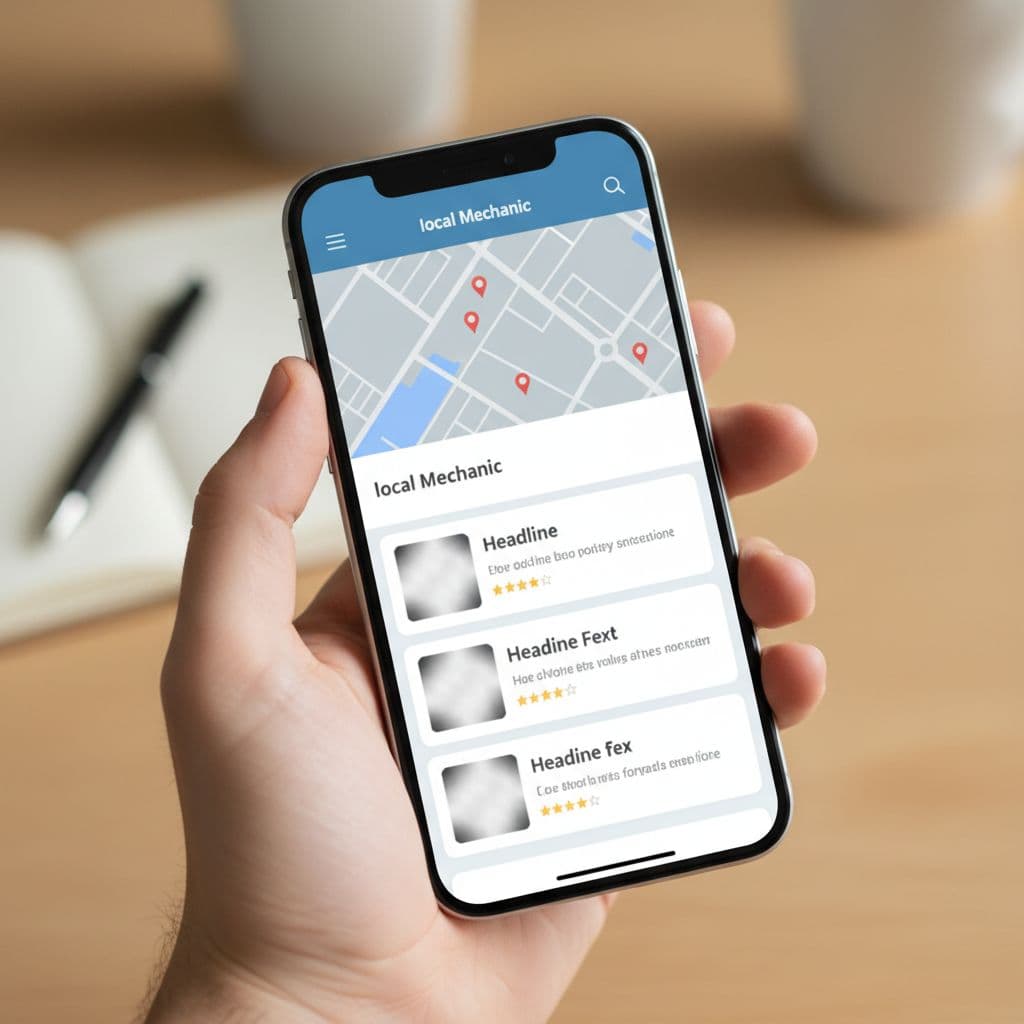
This matters because mobile search is built on speed. When someone needs a plumber, roofer, dentist, or locksmith, one extra tap can be enough to lose the lead. Meanwhile, paid placements often still show a direct call button, so the free result may ask more of the user at the exact moment they want less friction.
The change also isn’t universal. Some searches still show a call option. Others don’t. Google appears to test layouts by device, query, location, and industry. So if your call button is missing on one phone or one search, that doesn’t always mean it is missing everywhere.
Before you change anything, test what a customer sees. A lot of business owners waste time fixing the wrong thing because they only check their profile while logged in, on desktop, or from the Google Business dashboard.
Use this quick process on a phone:
If the number shows after the tap, but not in the map pack preview, you’re likely dealing with layout friction, not a broken profile.
If your profile still ranks and the phone number appears after a tap, the missing button is usually a display change, not a suspension.
This simple table helps sort the signals:
| What you see | Likely cause | What it means |
|---|---|---|
| Your listing appears in local results, but no call button shows on mobile | Google layout change | Rankings may be fine, but calls can drop |
| Your listing opens, but no phone number appears inside the profile | Phone field issue, pending edit, or profile problem | Contact setup needs review |
| Your business doesn’t appear even on a branded search | Visibility or suspension issue | You may have a deeper profile problem |
If you can’t find your listing even when searching your own name, start with fixing a non-visible Google Business Profile. On the other hand, if visibility is solid and only the tap-to-call action is missing, the issue is more about conversion path than rank.
Google’s layout change is a big reason, but it isn’t the only one. Sometimes the profile itself has a problem, and that can limit how users contact you.
A missing or recently edited phone number is the most obvious cause. If someone on your team changed the main number, or Google is reviewing an edit, the call action may not appear as expected. Start by checking the live profile, not only the backend.
Verification problems can also create strange gaps. A listing may still exist in Maps, yet parts of the profile can behave differently if ownership, edits, or reinstatement issues are in play. The same goes for duplicate listings. When Google sees two versions of the same business, it can split trust signals or show the wrong version.
Category choice matters too. If your primary category is too broad, or simply off, Google may match you to weaker searches or different result layouts. Service area settings, business hours, and website links also shape the overall experience. They may not directly control the button, but they affect how often users tap into your profile in the first place.
If your bigger problem is that you show in Maps but not where the best clicks happen, this guide on why your business is missing from Google Maps is worth reading. The call button issue and map visibility issue often overlap, and both hit lead volume.
This is the part many small business owners miss. Your local rankings can look stable while your lead flow gets worse.
That happens because rank and conversion are not the same thing. If Google removes the direct call action from the organic result, the user has to take one more step. Some will do it. Some won’t. A few will tap a paid ad instead because the call option is easier to spot.
A recent look at what Google’s removed call button means for local leads makes the same point. The map pack may still send traffic, yet the path to the phone is weaker.
This is why performance-based SEO matters more than rank screenshots. If an agency reports that you’re “still number one” while calls fall, the report is incomplete. What matters is whether rankings turn into calls, form fills, booked jobs, and revenue.
For local businesses, that shift changes how success should be measured. You need to watch profile views, website clicks, call logs, and lead quality together. A nice position in Google is useful, but it isn’t the finish line. Results are.
First, confirm the live phone number on your profile. Then test the path yourself on mobile. If the number appears only after opening the full profile, accept that part of the problem is Google’s interface and plan around it.
Next, tighten the rest of the path. Your website should have a tap-to-call button near the top on mobile. Service pages should match the searches you want. Reviews should keep growing. Photos should look current. Those details increase the odds that a searcher taps deeper into your profile instead of bouncing.
Reviews deserve extra attention because they help trust at the exact moment friction rises. If you need a benchmark, this article on how reviews influence map pack rankings gives a useful way to think about review targets by market, not by guesswork.
A practical response usually includes four moves:
The larger point is simple. A results-based local SEO plan has to adapt to how Google displays contact options right now, not how it worked a year ago. When the call button disappears, the businesses that keep winning are the ones that fix the whole lead path, not only the ranking.
If your Google Business Profile call button is missing, don’t assume your listing is broken. In many cases, the button is gone because Google changed the mobile organic layout, while paid results kept the faster call path.
Start by checking whether your number still appears inside the full profile, then compare that with your rankings and actual calls. The businesses that come out ahead focus on results, not surface-level visibility, because a lead only counts when someone can reach you.


