
Your address can be right while your map marker is wrong, and that mix-up costs real business. A bad Google Business Profile pin can send people to the wrong driveway, the wrong suite, or the wrong side of the street.
For a small business, that means missed calls, late arrivals, and weaker local trust. It also creates a silent SEO problem, because ranking well means less when customers can’t find your door. First, it helps to know what that wrong pin is doing behind the scenes.
Most owners notice a bad pin when a customer says, “Google took me somewhere else.” By then, the damage has already started.
A wrong map marker creates friction at the worst moment, when someone is ready to visit, call, or book. If you’re a dentist, contractor, med spa, law office, or repair shop, local intent is everything. People searching in Maps are often close to taking action. One bad trip can lose the sale and the referral that would’ve come after it.
That matters for search performance too. Local visibility should lead to revenue, not pretty reports. If a business ranks in the map pack but the location marker is off, clicks and driving directions can turn into frustration instead of leads.
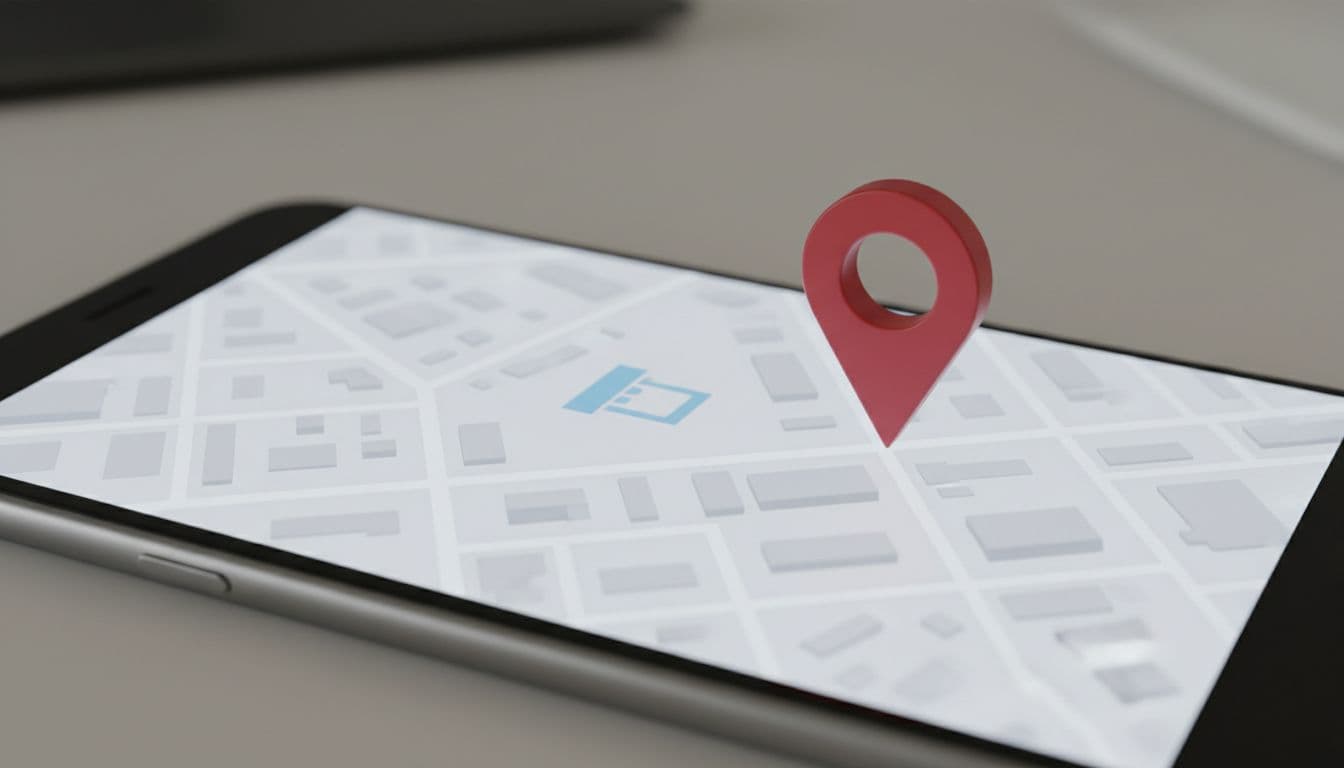
The problem gets worse in dense areas. Think about office buildings, shopping centers, medical plazas, and multi-unit properties. When Google drops your pin in the middle of the parcel instead of near the entrance, people can still end up parked behind the building.
Service businesses feel this too, even if they don’t rely on foot traffic. A misplaced profile can confuse Google’s sense of where you’re based, especially in one-city service areas where every mile matters.
For storefronts, place the pin at the entrance customers use, not at the center of the property.
If you’re paying for SEO, this is one of the first details that should be checked. Rankings that don’t turn into calls are weak results.
Google doesn’t always “guess wrong” for one reason. Usually, a few signals conflict.
A common cause is address formatting. Suite numbers, building letters, rear entrances, and shared office spaces can confuse map placement. New developments and rural addresses also cause trouble because map data may lag behind the real world.
Another issue is parcel-based placement. Your official mailing address might point to a large property, but customers don’t enter there. Google can pin the center of the lot, which is technically close, yet still wrong in practice.
Public edits can also change things. If enough map users suggest a change, or if data from another source conflicts with your profile, the pin may move or revert. Google’s own Business Profile Community guidance points users to edit the business location in Maps or the profile itself when the marker is off.
Shared access causes problems too. If more than one person manages the listing, someone may have changed the location without telling you. The same goes for agencies, former staff, or a helpful employee who tried to fix the address quickly.
Then there’s the difference between an address and a true customer location. A storefront needs the marker where people arrive. A service-area business needs the profile configured correctly so Google doesn’t send mixed signals about where customers should go.
Because of all that, the wrong spot is often less about one big error and more about stacked small ones.
The safest first move is to edit the location inside your profile and place the marker where customers actually arrive. Google may review the change before it goes live, so don’t expect an instant update every time.
Use this order:
That handles most cases. Still, some business owners report the pin moving back, or the edit sitting in review longer than expected. A practical video walkthrough for fixing an incorrect map pin shows how many owners handle this when the normal edit path doesn’t resolve it.
In tougher cases, some local SEO practitioners prefer submitting a Maps “Suggest an edit” from a regular Google account, especially after repeated dashboard edits fail. That route can help, but it can also take time. The main point is to avoid changing the location over and over, because repeated edits can create more confusion and may trigger extra review.
Take screenshots before and after you submit the update. That gives you a record if the pin reverts later.
Also, don’t change unrelated profile details at the same time unless you have to. If you edit the name, category, phone, and location together, it becomes harder to tell which change caused a delay.
Before you submit the new pin, check the basics. Small details often explain why the marker keeps landing in the wrong place.
This quick table helps spot the most common causes:
| What to check | What goes wrong | Best fix | | | | | | Street address | A typo, bad suite, or old unit number shifts the marker | Match the real-world address exactly | | Building entrance | Google pins the center of the parcel | Place the pin at the customer entrance | | Side of street | The marker lands across the road or behind the lot | Zoom in closely before saving | | Profile access | Another manager changes the location | Review all users with profile access | | Public map edits | A community edit overrides your update | Recheck after approval and document changes |
The takeaway is simple. Accuracy matters more than speed.
If you’re in a large plaza, use satellite view and street view when available. Make sure the marker lines up with the door customers use, not the back alley, loading area, or mailbox cluster.
If your business recently moved, verify that old citations and directory listings aren’t still pushing the previous address into Google’s systems. The same issue shows up when a suite changed but the street number stayed the same.
For one-location businesses, this step has extra weight. A small radius means less room for error. If you serve one city, one county, or one tight service area, a wrong marker can hurt faster because almost every lead depends on local trust and accurate proximity.
Local SEO is supposed to produce calls, appointments, and foot traffic. A bad pin breaks that chain.
Google Maps rankings are tied to location signals. If your business marker is off, Google may misread where you are, and users may bounce after a bad experience. That hurts lead quality even if impressions look fine on paper.
This is where many agencies fall short. They report visibility, but they miss the practical details that affect revenue. Good local SEO isn’t about vanity metrics. It should connect ranking gains with real customer actions.
That’s also why performance SEO services make more sense than open-ended retainers for many small businesses. If a campaign is judged by results, someone has to care whether the listing drives calls, visits, and booked jobs. A wrong pin is not a minor setup issue when it blocks those outcomes.
For small business owners, the lesson is clear. Check your Google Business Profile the way a customer would. Search your brand, tap directions, zoom in, and confirm the route ends at the right entrance. If it doesn’t, your local presence is leaking leads.
A wrong map pin looks small, but it creates a big break between visibility and action. Your address, marker placement, profile settings, and user access all need to line up.
If customers keep landing in the wrong spot, fix the location first and watch it after review. A correct pin won’t solve every local ranking problem, but an incorrect one can ruin results that should have become real business.


