
You open your listing, and the website button is gone. It feels small, but it can cost real leads.
A missing Google Business Profile website link usually points to one of four issues: verification trouble, a policy flag, mismatched business details, or weak trust signals between your profile and site. The good news is that this problem is often fixable without a full rebuild. If you focus on the right checks, you can get the link back and protect future visibility too.
Google rarely hides a website link for no reason. In most cases, the profile is either under review, missing required trust signals, or failing to match what Google sees elsewhere online.
Here’s a quick way to size up the problem:
| What you see | Likely cause | First place to check |
|---|---|---|
| No website link at all | Verification or suspension issue | GBP dashboard status |
| Link vanished after edits | Profile re-review | Recent changes |
| Profile is live, but weak | Incomplete or conflicting info | NAP, category, hours |
| Link saves, then disappears | Website or trust problem | Site status and indexing |
A new or unverified profile is the most common reason. If Google hasn’t fully verified the business, public features can stay limited. The same can happen after major edits, like changing your address, primary category, or ownership details.
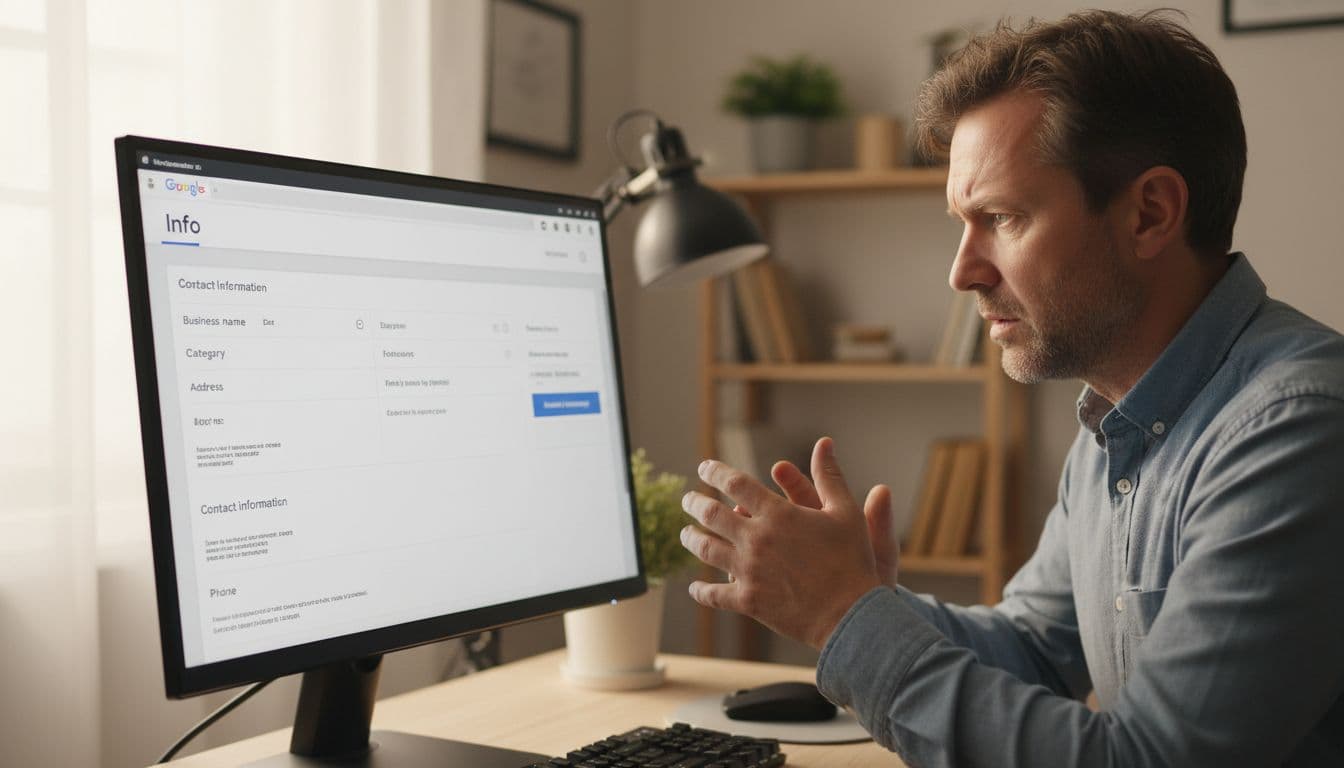
Policy issues are another big trigger. As of March 2026, service-area businesses are getting more scrutiny. If you show an address customers can’t visit, list hours that don’t match your site, or use a business model Google doesn’t allow, the profile can lose visibility, including the website link.
Conflicting business details also create problems. If your name, address, or phone number appears one way on your site and another way on directories, Google may hesitate. It’s like giving two different return addresses on the same package. The system slows down because it isn’t sure where to send people.
Your website itself matters too. If the site isn’t indexed, loads poorly, or has privacy settings that block access, Google may not trust that URL enough to display it. Some owners also report Google changing or dropping business details after it finds stronger signals elsewhere, which matches cases discussed in why Google changes a GBP name and website link.
Start in the dashboard, not in search results. Public results can lag behind what the profile status actually says.
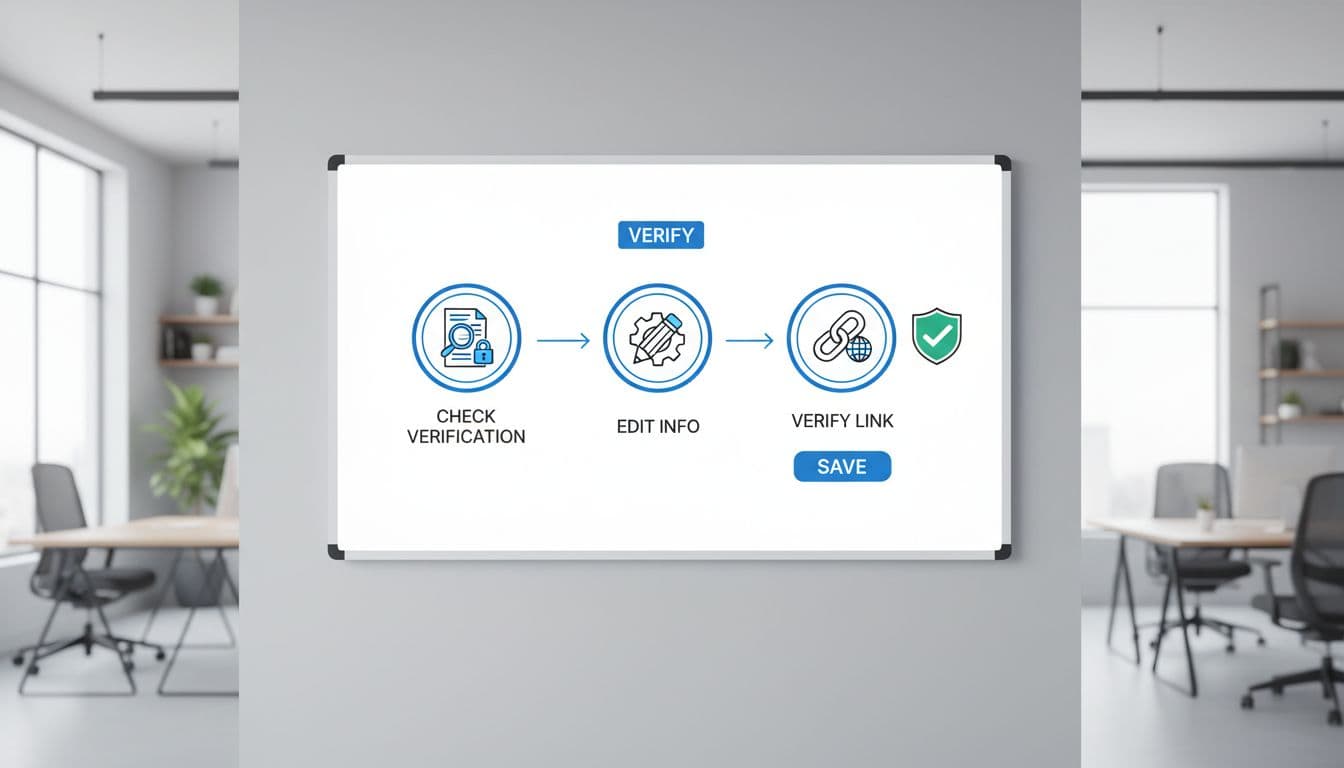
Use this order so you don’t create more delays:
Repeated edits can slow things down. If you keep changing fields every day, Google may keep the profile in review longer.
If the URL won’t stick at all, these Google community discussions on linking a website to a profile and website URL display issues show that the problem often comes back to profile status or data conflicts, not the link field alone.
Also, don’t create a second listing to “test” a fix. That can turn one problem into two. If your whole profile has gone missing, this guide on Google Business Profile not showing is the better next step.
Sometimes the missing link is only the symptom. The real issue is that Google doesn’t fully trust the business entity yet.
Think of the website button as a front door. If Google isn’t sure the building is real, active, and consistent, it won’t invite people inside. That means your fix can’t stop at one field. You also need the basics that support local visibility: the right category, complete services, recent photos, steady reviews, and matching business details across the web.
That’s why small businesses get better results when they focus on outcomes, not random tasks. A good local SEO plan should improve calls, clicks, and booked jobs, not just make the dashboard look “full.” If your profile is weak overall, building review trust matters, and this guide on Google reviews for local rankings breaks down what that looks like in real markets.
The same goes for map visibility. A profile with strong signals usually keeps its website link, ranks better, and gets more action from nearby searchers. If you want the broader picture, these Google Maps SEO services explain the kind of work that supports rankings and lead flow, not fluff reports.
A missing website link usually means Google wants more proof before it sends searchers to your site. Start with verification, fix mismatched details, check the website itself, and avoid constant edits. Most importantly, look past the missing button and ask whether the whole profile is sending clear trust signals. That’s what brings the link back, and keeps the leads coming.


