
You set a canonical URL, you submit your sitemap, and you still see Google indexing a different version of the page. Frustrating, right? For small business sites, this can turn into a real problem fast, because the “wrong” URL often ranks worse, converts worse, or splits your link equity.
Here’s the bottom line: google indexing wrong canonical usually means Google is getting mixed signals. The fix isn’t always “change the tag.” It’s making every signal agree on the same main URL.
A canonical URL is your way of telling Google, “This is the main version of this page.” You declare it with a rel="canonical" tag, and you reinforce it with redirects, internal links, and your sitemap.
Google, however, can choose a different “Google-selected canonical.” Think of it like putting a forwarding address on your mail, but also handing out two different business cards. If customers keep walking into the side entrance, the post office assumes that’s the real door.
Two important truths:
If you want a clean explanation of how canonicalization works (plus examples that match real-world setups), Moz’s guide to canonical tag best practices is a solid reference.
So, why does Google “disagree” with your choice? Usually because it trusts other signals more than the tag you placed.
If Google has to pick between your canonical tag and your site-wide linking habits, your linking habits often win.
Most canonical problems come from conflicting signals, not one “bad” tag. Below are the patterns that show up the most on small business sites (especially on WordPress, Shopify, and service business sites with location pages).
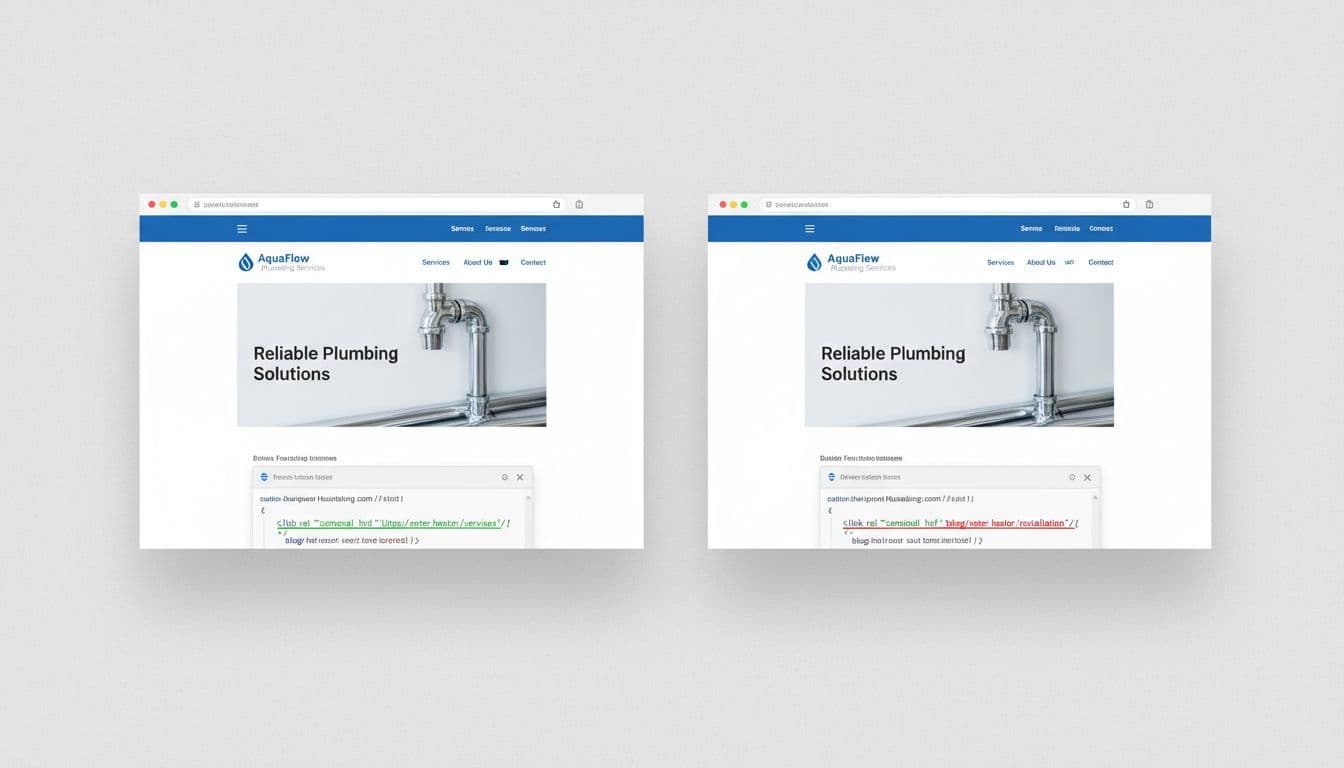
Internal links are “votes” for the main URL. If your menu links to /service but your blog links to /service/ (or adds tracking parameters), Google sees two candidates.
This also happens when:
http:// while the site resolves on https://www and non-www?utm_source=… from emails and adsA common mistake: Page A has a canonical to Page B, but Page A also 301 redirects to Page C. That’s three different “main versions” in one setup. Google will pick the one that seems most consistent across the site.
Your sitemap should list the canonical versions only. If the sitemap lists non-canonical URLs, you’re basically asking Google to crawl and consider them.
Hreflang can add another layer. If you run language or country pages, each page should typically canonicalize to itself (unless you’re intentionally consolidating duplicates). When hreflang points to URL set A and canonicals point to URL set B, Google may ignore one of them.
If you have near-duplicate pages, Google may “fold” them together, even when you’d prefer them separate. This shows up with:
In those cases, the “wrong canonical” might be Google trying to reduce duplicates.
This one feels unfair, but it’s common. If your preferred canonical returns a soft 404, loads slowly, has thin content, or looks like a doorway page, Google may pick an alternate URL that seems more stable.
If this situation overlaps with “the wrong page ranks for my keyword,” it’s worth fixing both together. This guide on how to fix a wrong page ranking issue connects the dots between canonicals, internal links, and Google choosing the page it trusts.
For extra perspective on why Google sometimes chooses a different canonical anyway, Moz also has a discussion on influencing the Google-selected canonical that reflects what many site owners see in Search Console.
Before changing anything, confirm you’re not chasing a mirage. Google can show different URLs in different tools. You want a repeatable view.
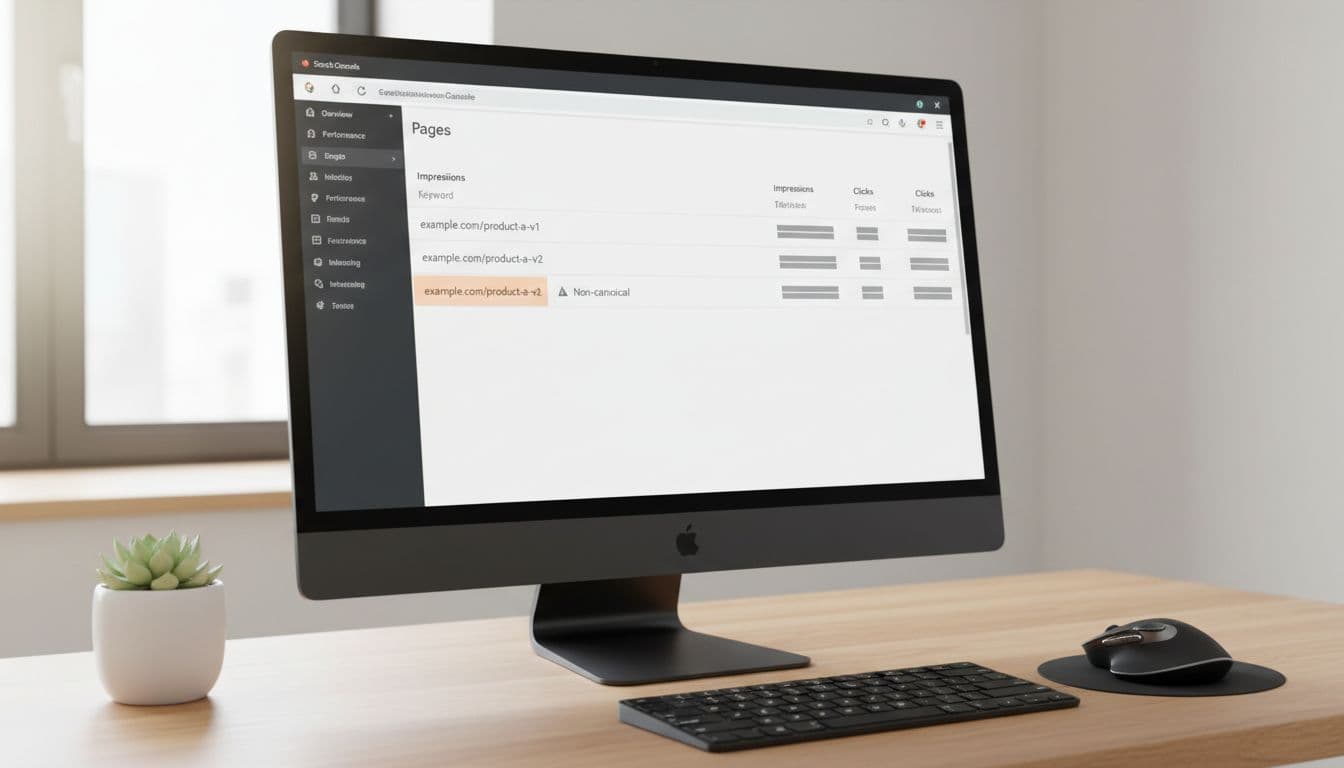
Start with these checks:
One small tip that saves hours: don’t rely on your browser alone. Your browser might show the “pretty” version after redirects, while Google is still processing older signals.
Don’t change five things at once. Canonicals can take time to settle, and rapid edits make the real cause harder to spot.
Most sites don’t need a full rebuild. They need alignment. Aim for one clear “main address” for each page, then remove the side doors.
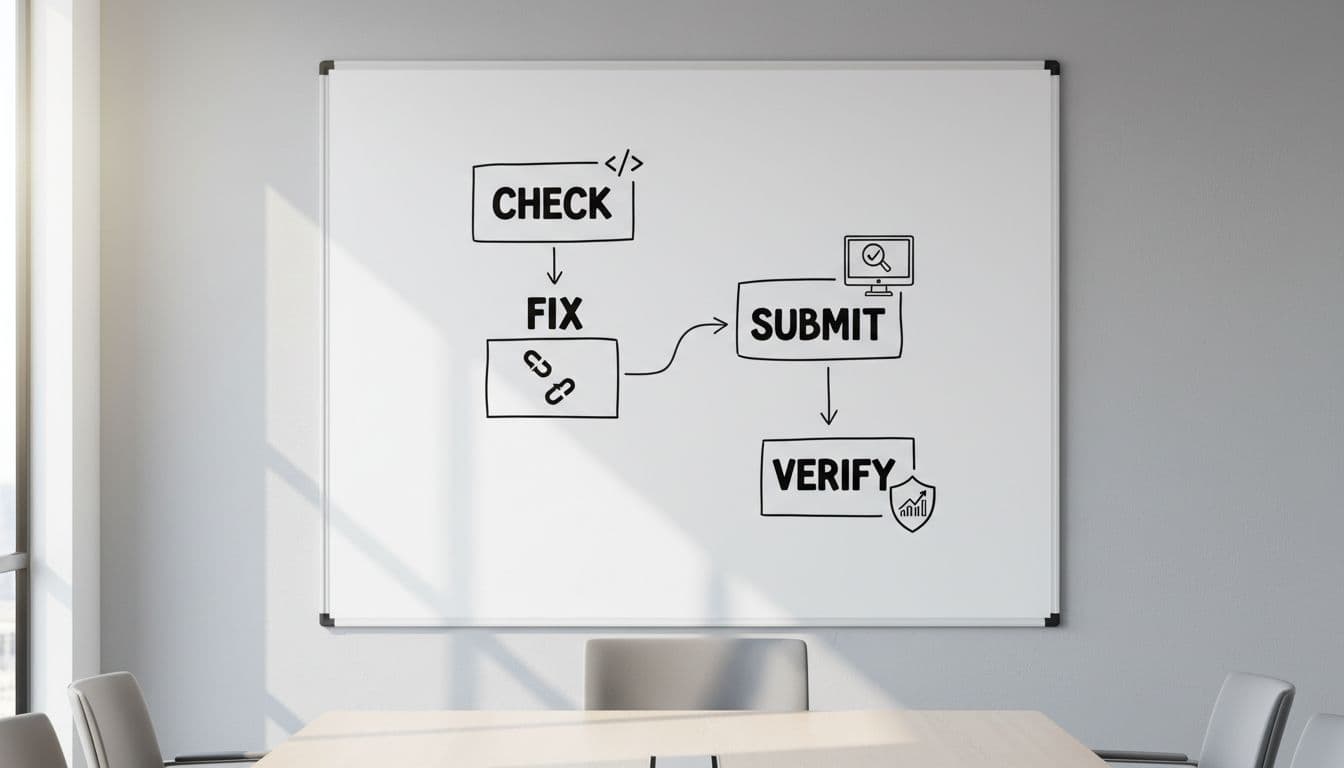
Decide the correct format (https, www or non-www, trailing slash or not). Then enforce it everywhere. Usually that means one clean 301 redirect rule and consistent internal links.
Update your navigation, footer, and top-linked pages to point to the preferred URL. If your site has hundreds of older blog posts, even small internal link cleanup can shift Google’s choice.
Remove non-canonical URLs from the XML sitemap. If your CMS generates multiple sitemaps (posts, pages, categories), check them all.
If two URLs should never both exist, redirect the weaker one to the canonical. That includes http to https, www to non-www, and old slug versions.
If Google avoids your chosen canonical because it looks thin, improve it. Add clear service info, photos, FAQs, and proof. For small businesses, this is where results show up, because the right page indexed also tends to be the page that converts.
This is also why performance-based SEO models matter. When you only pay once rankings arrive, the work stays focused on outcomes, not busywork. If you’re comparing vendors, this SEO due diligence checklist helps you spot who will fix root causes (like indexing and canonicals) instead of sending reports that don’t move revenue.
When Google indexes the wrong canonical URL, it’s usually reacting to mixed signals, not punishing your site. Align your internal links, redirects, sitemaps, and on-page canonicals so they all point to the same “main address.” Once those signals agree, Google’s selected canonical tends to fall in line, and your rankings become more stable.


