
You write a clean page title, hit publish, and feel good about it. Then you Google your service and see something else in the search results. Different wording, different order, sometimes even a totally different line.
That’s google rewriting title tags, and it’s more common than most business owners think.
The good news is this usually isn’t a penalty. It’s Google trying to show a title it believes matches the search and the page better. Still, if the rewrite makes you look less relevant, it can cost clicks, calls, and booked jobs.
Your title tag (the <title> in your page’s HTML) is a strong signal, but it’s not a guarantee. Google can generate a different title for the search results based on what it thinks will help the searcher.
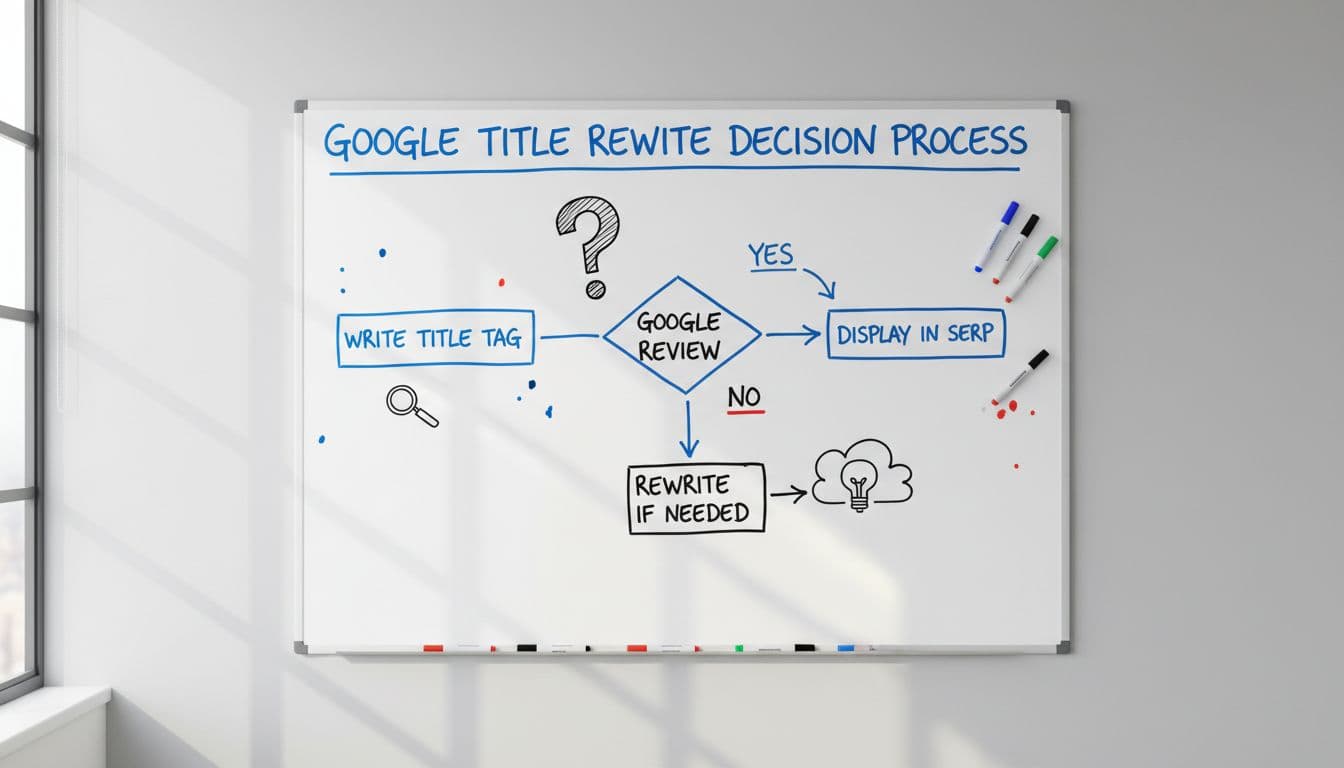
So where does Google pull a replacement title from? Often from:
Google also considers the query. One person searches “emergency plumber near me.” Another searches “water heater leak repair.” Google may show different titles for the same page because the intent is different.
If you want a deeper, current take on how this has intensified recently, see why original title tags still matter, even when Google displays a different version.
If your title tag doesn’t clearly describe the page, Google will try to “fix” it for the searcher.
That’s why rewrites show up most on service pages, location pages, and template-heavy sites.
The frustrating part is that a rewrite can happen even when your title isn’t “wrong.” Still, patterns show up again and again.

Here are the usual triggers:
This quick table can help you spot what’s going on.
| What you see in Google | Likely cause | What Google pulled instead |
|---|---|---|
| Title is shorter and cleaner | Your title was too long or repetitive | H1 or a shorter heading |
| City name appears (or disappears) | Local intent or unclear service area | On-page mentions of city/service area |
| A different page title shows up | Google prefers another URL for that query | Title/H1 from the ranking URL |
For more examples of rewrite scenarios and how SEOs respond, this guide on why Google rewrites titles and what to do lines up with what many site owners are seeing in 2026.
You can’t force Google to always display your title tag. However, you can make your preferred title the obvious choice. Think of it like labeling boxes for a move. If every box says “Stuff,” someone will guess.
Start with the basics:
Also, check whether Google is ranking the page you actually want. Sometimes the “rewrite” problem is really a “wrong URL” problem. If a blog post is ranking instead of your service page, Google may show a title that feels off because the page is off. This guide on a wrong page ranking fix is a good troubleshooting path when your main keyword keeps landing on the wrong URL.
Don’t judge rewrites by ego. Judge them by results.
Open Google Search Console and look at:
Then compare your outcomes week to week. If you run SEO like a business investment, you want a scoreboard, not vibes. A real-time SEO KPI dashboard makes it easier to see whether CTR changes turn into calls and forms, especially for local service businesses.

If your SEO partner charges you no matter what, title rewrites can become “interesting” instead of urgent. In a performance model, they’re treated like what they are: a conversion risk that needs fixing. That’s one reason some owners prefer results-based SEO, where payment starts after measurable ranking goals are hit.
For a practical walkthrough focused on influence (not tricks), this article on how to influence rewritten meta tags offers a solid set of guardrails.
Google rewriting title tags is Google trying to match the result to the searcher, not trying to mess with your business. Still, rewrites can lower CTR when your page’s topic, headings, and title don’t line up cleanly.
Tighten your titles, align your H1, and make each page’s purpose obvious. Then watch clicks, calls, and booked jobs, because performance is the only “title” that matters.


