
You wrote a careful meta title, hit publish, and waited for it to show up in Google. Then you search your own page and see a different headline in the results. It can feel like someone swapped your storefront sign overnight.
Here’s the bottom line: Google rewrites titles when it thinks another on-page text snippet better matches the search, improves clarity, or avoids repetition. The good news is that most title rewrites follow patterns, which means you can usually fix (or at least influence) what Google shows.
Your “meta title” (the <title> tag) is a suggestion, not a guarantee. Google can choose a different link headline for each query, device, and context. In other words, your title tag still matters a lot, but Google treats it like one signal among many.
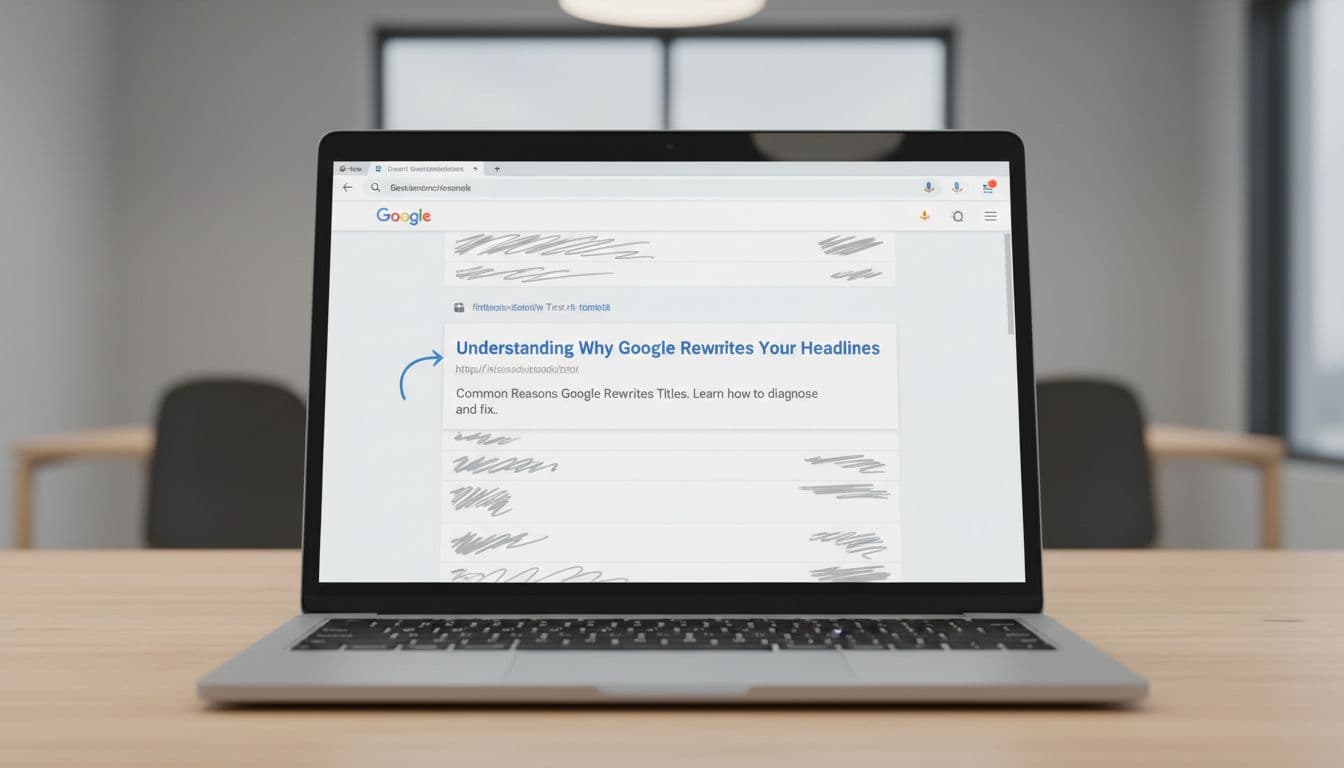
So where does Google pull the replacement from? Often from one of these places:
This is why the “right” title can change depending on what someone searches. If your title tag says “Commercial HVAC Services | Smith & Co” but the page is clearly about “AC Repair in Phoenix,” Google may choose the phrase that better matches the query.
A common misconception is that a rewrite means you did something “wrong.” Sometimes Google just thinks it can do better. Still, frequent changes often point to mismatch between your title tag and the visible page content. For a deeper explanation of how and why this happens, see why Google is rewriting meta titles.
If your title tag says one thing and your page headline says another, Google tends to trust what users can see.
Most title rewrites come down to Google trying to reduce confusion. That “helpful” behavior can be annoying, but it’s predictable.
Google works with pixel widths, not character counts. Long titles get cut off, and sometimes Google swaps in a shorter option from the page. Keep the important phrase early, then add your brand last if it fits.
Small business sites often repeat the same pattern on every page, like “Best Plumber in [City] | Free Quote.” When dozens of pages share near-identical titles, Google may rewrite them to add specificity (or pull a heading that looks more unique).
This is the big one. If the page talks mostly about “water heater repair” but the title targets “emergency plumber,” the mismatch makes Google nervous. It may replace your title with the H1 or another heading that reflects the page better.
Overstuffed titles can look spammy or unclear. Google often “cleans up” titles that feel like they were written for a robot. A human-friendly title usually wins.
If your brand is unknown, Google may remove it to save space. If your brand is well-known, Google may add it even when you didn’t. Either way, the fix is the same: write titles that stand on their own first, then add brand at the end.
Here’s a quick way to diagnose what you’re seeing:
| What you see in Google | Likely reason | Quick fix to try |
|---|---|---|
| Google shows your H1 instead of your title | Title and page headline don’t align | Make the title and H1 say the same core topic |
| Google adds your city or service | Title is too generic | Add location or service detail naturally |
| Google shortens your title | Title is too long | Cut filler words, keep the main phrase first |
| Google swaps in breadcrumb text | Navigation labels are clearer than the title | Improve the title clarity, reduce jargon |
| Google shows a weird mashup | Conflicting signals on-page | Unify H1, title, and first paragraph topic |
If you want more examples of common rewrite scenarios, this walkthrough on title changes in Google search results lines up with what most site owners see in practice.
You can’t force Google to always show your exact meta title. However, you can make it much more likely. Think of it like painting house numbers on a curb: the clearer it is, the less likely someone misreads it.
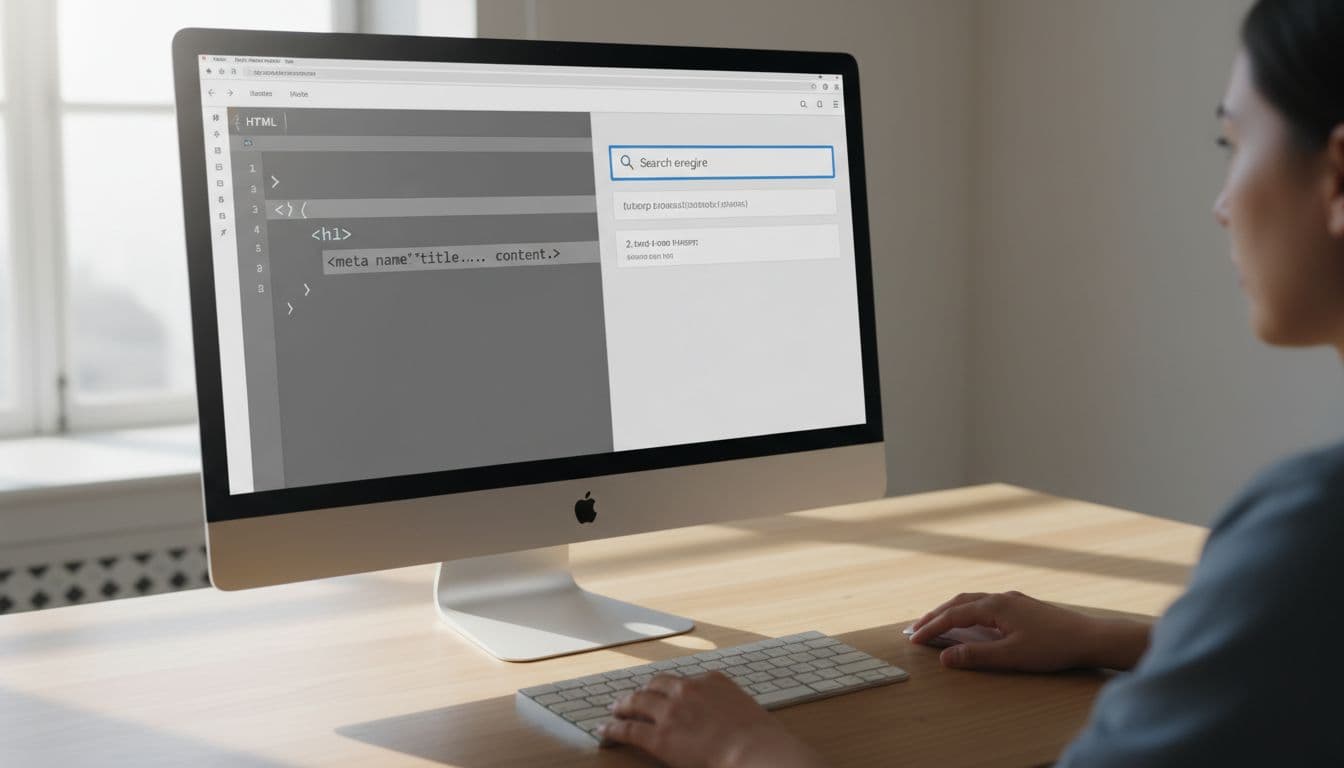
Start by making sure each page has one job. A service page should target one service in one area (when local). Then mirror that in three places:
When those three agree, Google rewrites titles less often because it doesn’t need to “guess.”
If you have multiple locations or services, avoid copy-paste titles. Instead of:
Add a differentiator that’s true for that page, like “Drain Cleaning,” “Emergency,” or “Water Heater Repair.” Specific beats “best” almost every time.
A strong title is clear before it’s clever. For many local businesses, this pattern is reliable:
Service + Location (or Service + Intent) | Brand
Also skip extra punctuation tricks. Pipes and hyphens can work, but don’t stack symbols or repeat the same phrase twice.
Even if you “win” and Google shows your title, that isn’t the end goal. You want more qualified clicks and calls. Two practical habits help here:
If you like tight, owner-friendly reporting, use a simple scoreboard like this 30-day SEO scorecard for leads to keep the focus on calls, forms, and booked jobs. For businesses that want even more transparency (especially with results-based campaigns), a real-time SEO KPI dashboard makes it obvious what’s working this week, not last month.
If Google keeps replacing titles across many important pages, treat it like a smoke alarm. It often means your site sends mixed signals, such as thin pages, overlapping services, or unclear location targeting. In pay-after-results SEO, that’s a big deal because “rankings” that don’t convert are just noise. If you’re comparing models, this breakdown of single-area pay-per-performance SEO pricing is a useful way to think about outcomes and accountability.
One extra reference can help if you want to influence rewrites instead of guessing: why Google rewrites meta tags includes practical examples of what tends to stick.
Final thought: Google’s headline choice is trying to match intent. When your title, headline, and page content agree, Google usually stops “helping.”
Seeing a different headline in Google results doesn’t mean your SEO is broken. It means Google is picking the text it trusts most for that search. Tighten alignment between your title, H1, and page topic, then watch what happens to clicks and leads, not just the wording. When you treat titles like part of a performance system, the fixes get simpler and the results get clearer.


